 Google Play
Android & Tablet
Your everyday companion for music, podcasts, radio and everything in between.
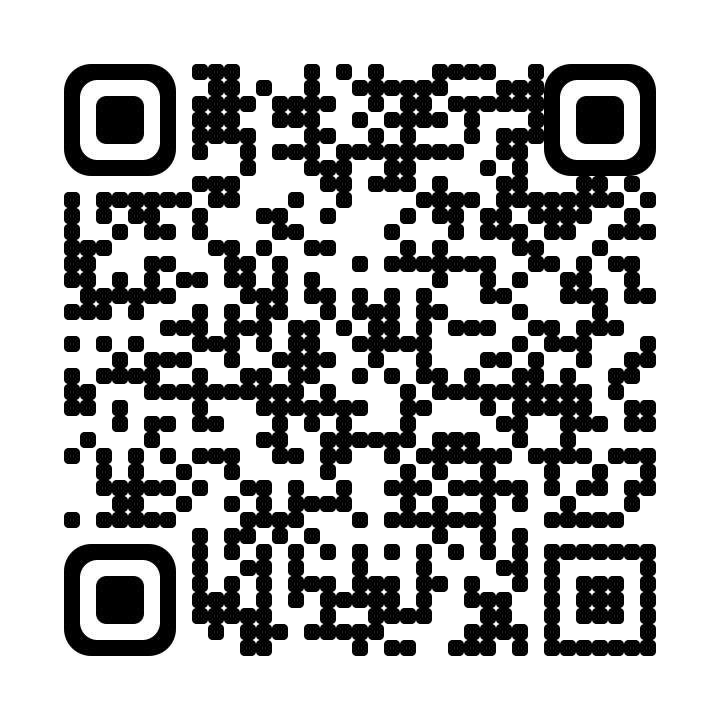
Scan to download
Straight to Zene on Google Play.
Take your world with you
The songs you live in. The voices you come back to. Your next great discovery. Take it all with you, with Zene.
Free to start. Make it ad-free withZene Premium
 ZeneEntertainment, made personal.
Point your camera here. We’ll meet you there.
Google PlayYour everyday companion for music, podcasts, radio and everything in between.
Straight to Zene on Google Play.
 App Store
Your favorite sounds, always within reach. Get Zene on the App Store for iPhone and iPad.
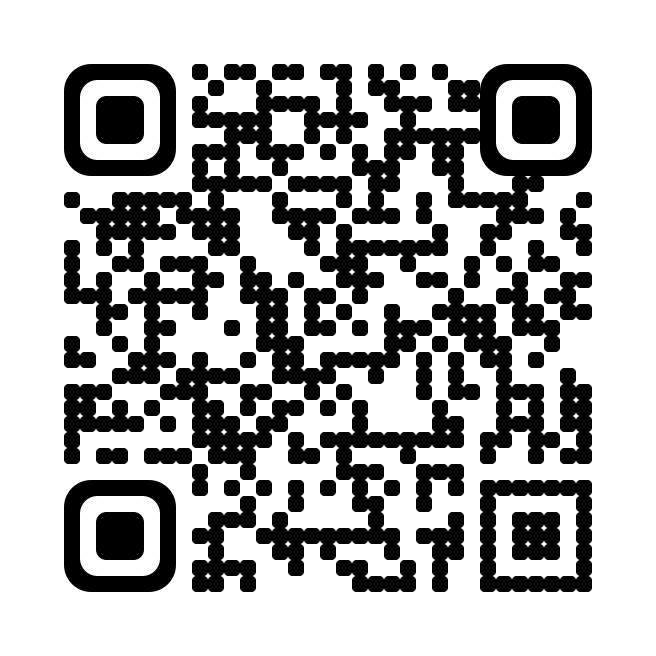
Straight to Zene on the App Store.
 Amazon Appstore
Another way to get Zene. Find the app and check device compatibility on Amazon Appstore.
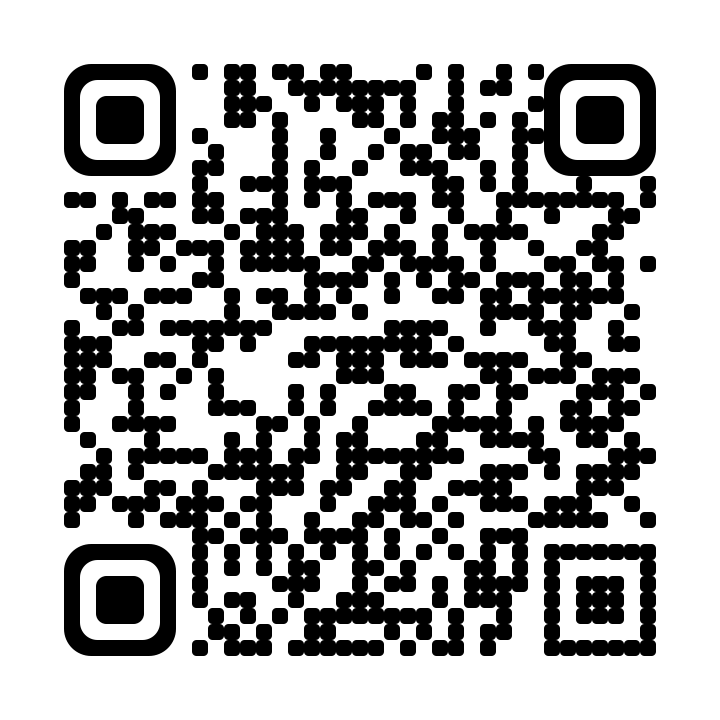
Open Zene’s Amazon Appstore listing.
 Web app
Make room for your favorites. Open Zene in your browser on Mac, Windows or Linux.
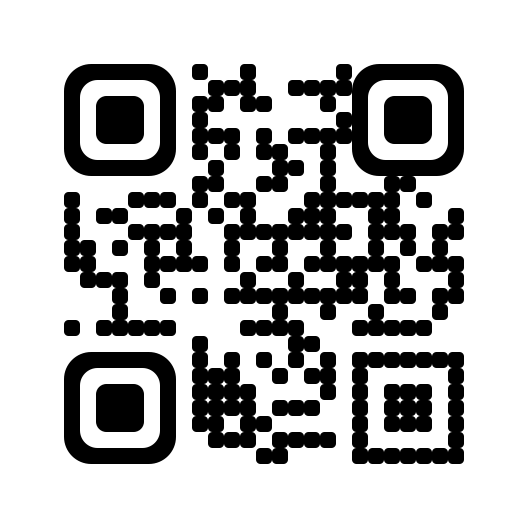
Go straight to the web app. Install from your browser’s menu where supported.
Yes. Start listening for free with ads, or explore Zene Premium for an ad-free experience. Zene Premium
Open your phone’s camera, point it at a code, then tap the link. The Android code opens Google Play; the iPhone code opens the App Store; the Amazon code opens its Amazon listing. Already on your phone? Use the button instead.
Yes. Open the Zene web app on Mac, Windows or Linux. No download is required. Browsers that support installation can also add Zene from their menu.